Skip to content
  • Home
  • Announcement
  • Live channels
  • Movies & Series
  • BetMoA - Sports Betting
  • GameMoA - Casino games
  • Community
  • Support
Skins
  • Light
  • Brite
  • Cerulean
  • Cosmo
  • Flatly
  • Journal
  • Litera
  • Lumen
  • Lux
  • Materia
  • Minty
  • Morph
  • Pulse
  • Sandstone
  • Simplex
  • Sketchy
  • Spacelab
  • United
  • Yeti
  • Zephyr
  • Dark
  • Cyborg
  • Darkly
  • Quartz
  • Slate
  • Solar
  • Superhero
  • Vapor

  • Default (Cyborg)
  • No Skin
Collapse
Brand Logo

Back to Main Site

  1. Home
  2. Categories
  3. Apps & Device Support
  4. Apps
  5. Support not working
Loading…
Loading shop...

Support not working

Scheduled Pinned Locked Moved Apps
17 Posts 4 Posters 227 Views 1 Watching
  • Oldest to Newest
  • Newest to Oldest
  • Most Votes
Reply
  • Reply as topic
Log in to reply
This topic has been deleted. Only users with topic management privileges can see it.
  • S Offline
    S Offline
    syetter
    wrote on last edited by
    #1

    Hi,

    I am resorting to community, because support is broken in my environment which is US CT fiber optic internet.
    I am not able to chat. I have gotten no responses to email tickets.

    The channelmoa site support chat is not working. When I first was using the site, there was a bottom right, chat icon you could click on and chat using email id. That button is no longer present.

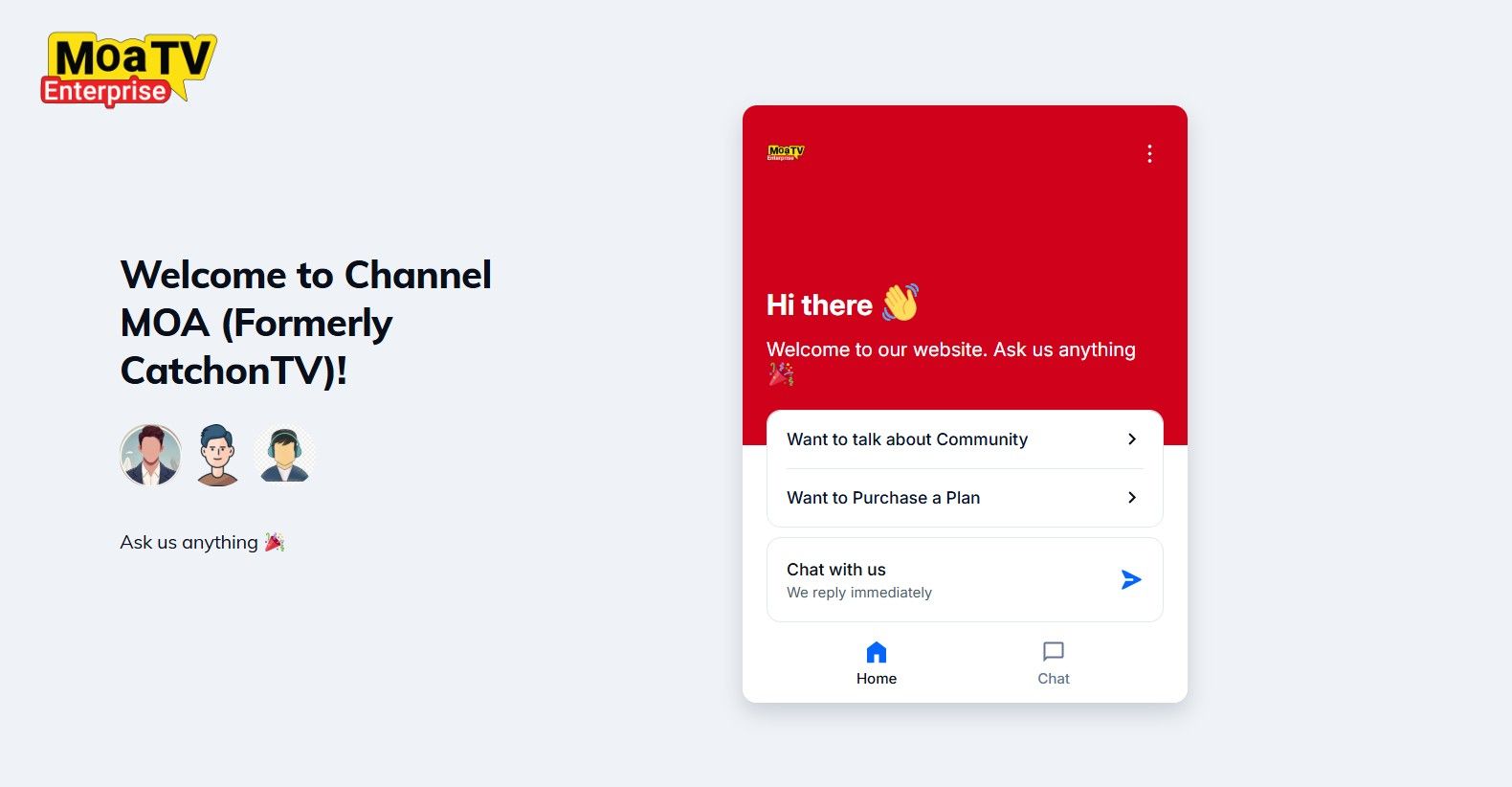
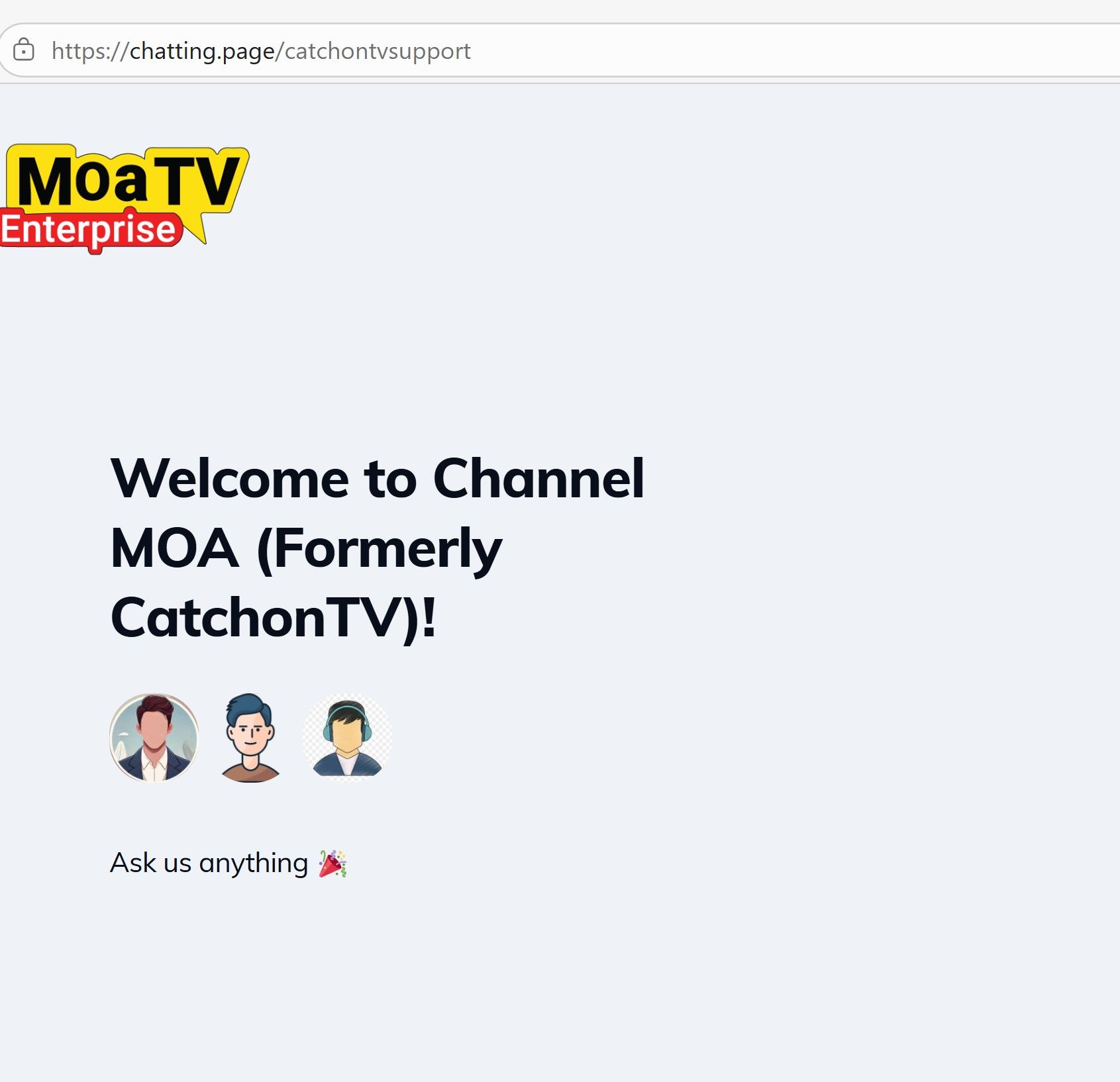
    When you use Contact Support route from the web site, it spawns another tab. That page says "Ask me anything" and there is no box to type or button to click. I've scrolled and clicked everywhere with no available actions.

    I submitted an email tick reporting the problem with chat. I have gotten no email responses from support. I searched Inbox, Junk, and Inbox other and no emails are present.

    I am in trial period, and I also had a channel outage and I reported it via email. Please give me a support contact mechanism.

    Other than this, the player and service is mostly working fine, except for the 1 channel outage and also certain channels not being available.

    ArthurA 1 Reply Last reply
    0
    • S syetter

      Hi,

      I am resorting to community, because support is broken in my environment which is US CT fiber optic internet.
      I am not able to chat. I have gotten no responses to email tickets.

      The channelmoa site support chat is not working. When I first was using the site, there was a bottom right, chat icon you could click on and chat using email id. That button is no longer present.

      When you use Contact Support route from the web site, it spawns another tab. That page says "Ask me anything" and there is no box to type or button to click. I've scrolled and clicked everywhere with no available actions.

      I submitted an email tick reporting the problem with chat. I have gotten no email responses from support. I searched Inbox, Junk, and Inbox other and no emails are present.

      I am in trial period, and I also had a channel outage and I reported it via email. Please give me a support contact mechanism.

      Other than this, the player and service is mostly working fine, except for the 1 channel outage and also certain channels not being available.

      ArthurA Offline
      ArthurA Offline
      Arthur
      Global Moderator
      wrote on last edited by
      #2

      @syetter Support is working properly. Please try using a different browser or a different device.

      It seems your browser may be in mobile view mode. Kindly switch to desktop mode from your browser settings, or try accessing it from another browser or device.

      Here is the chat support link: https://chatting.page/catchontvsupport.

      1 Reply Last reply
      0
      • S Offline
        S Offline
        syetter
        wrote on last edited by
        #3

        I tried on another computer. I tried Firefox instead of Microsoft Edge. The chat support link is the one that gets launched from channelmoa. The web page did NOT require a separate page previously. If you think I should be able to enter text from the support page, tell me how in detail. It does respond to clicking anything on the page.

        1 Reply Last reply
        0
        • S Offline
          S Offline
          syetter
          wrote on last edited by
          #4

          68bfbb4a-9e50-48d2-bd67-e2912487e7d1-image.jpeg

          ArthurA 1 Reply Last reply
          0
          • S Offline
            S Offline
            syetter
            wrote on last edited by
            #5

            What do I do on that to enter chat messages?

            1 Reply Last reply
            0
            • S Offline
              S Offline
              syetter
              wrote on last edited by
              #6

              Even ChannelMoa text says to just "Hit the chat button at the bottom of the page". When I started with you guys, I used to do that. But that button at the bottom of the page is no longer present. I don't know how you determine this is working when it clearly isn't. You are invoking this page in a way that is not available to an outside user.

              1 Reply Last reply
              0
              • S Offline
                S Offline
                syetter
                wrote on last edited by
                #7

                And I brought up the channelmoa in duckduckgo on my android phone. Same result. No button at bottom right of page.

                1 Reply Last reply
                0
                • S Offline
                  S Offline
                  syetter
                  wrote on last edited by
                  #8

                  And I have submitted multiple tickets on Email. No email responses since 2 days.

                  1 Reply Last reply
                  0
                  • S syetter

                    68bfbb4a-9e50-48d2-bd67-e2912487e7d1-image.jpeg

                    ArthurA Offline
                    ArthurA Offline
                    Arthur
                    Global Moderator
                    wrote on last edited by Arthur
                    #9

                    @syetter Again, it's your browser problem; compare this screenshot with yours. You can definitely see that your one is larger/zoomed incce8223f-d89b-478c-8188-0f3c785d87a6-image.jpeg
                    Another solution is to adjust your browser settings and zoom out to 80% from 100% or try with a VPN.

                    1 Reply Last reply
                    0
                    • S Offline
                      S Offline
                      syetter
                      wrote on last edited by
                      #10

                      No amount of zoom or scrolling brings that widget on the right onto the page. And that is basically the same widget that should be on the main channelmoa.com page but is not. I've tried 3 different browsers on two computers and an android phone. If that widget comes up for you but not for me it is because you have something enabled that is not on my Windows machines, my other Windows machine, or my Android phone and is the same on different machines

                      1 Reply Last reply
                      0
                      • S Offline
                        S Offline
                        syetter
                        wrote on last edited by
                        #11

                        What's the technology that puts that "widget" on the page. Maybe it is blocked somehow.

                        ArthurA 1 Reply Last reply
                        0
                        • S syetter

                          What's the technology that puts that "widget" on the page. Maybe it is blocked somehow.

                          ArthurA Offline
                          ArthurA Offline
                          Arthur
                          Global Moderator
                          wrote on last edited by
                          #12

                          @syetter, There is nothing special enabled, just a Chrome browser.
                          Have you tried using VPN ?

                          1 Reply Last reply
                          0
                          • S Offline
                            S Offline
                            syetter
                            wrote on last edited by
                            #13

                            I tried VPN. It made no difference. I got it to work on Firestick. Silk Browser is on firestick. I installed Chrome on Windows and it worked. A web site is supposed to be tested with different browsers, not just 1 browser.

                            1 Reply Last reply
                            0
                            • S Offline
                              S Offline
                              syetter
                              wrote on last edited by
                              #14

                              And so when I said I had a problem with Edge, didn't anybody actually try it to see if the problem was there?

                              RickR 1 Reply Last reply
                              0
                              • HawkH Offline
                                HawkH Offline
                                Hawk
                                wrote on last edited by Hawk
                                #15
                                This post is deleted!
                                1 Reply Last reply
                                0
                                • S syetter

                                  And so when I said I had a problem with Edge, didn't anybody actually try it to see if the problem was there?

                                  RickR Offline
                                  RickR Offline
                                  Rick
                                  Global Moderator
                                  wrote on last edited by
                                  #16

                                  @syetter It works with Edge, I have checked many times. Please take an incognito window and try again. Let's see https://chatting.page/catchontvsupport

                                  Also you can try after flash dns. (open the Command Prompt as an administrator, type ipconfig /flushdns, and press Enter.)

                                  1 Reply Last reply
                                  0
                                  • S Offline
                                    S Offline
                                    syetter
                                    wrote on last edited by
                                    #17

                                    I found why the chat widget is blocked. It is called Tidio I think. Ad Blocker uBlockOrigin was blocking some of the resources needed by the widget. To find out that the widget was blocked, I had to run "Developer Tools" in Edge, basically a debugger. Couldn't find a way to unblock. Adding channelmoa to the whitelist didn't help. A workaround is to bring up channelmoa in a private window because the ad blocker does not run there unless you specifically allow that.

                                    1 Reply Last reply
                                    1

                                    Hello! It looks like you're interested in this conversation, but you don't have an account yet.

                                    Getting fed up of having to scroll through the same posts each visit? When you register for an account, you'll always come back to exactly where you were before, and choose to be notified of new replies (either via email, or push notification). You'll also be able to save bookmarks and upvote posts to show your appreciation to other community members.

                                    With your input, this post could be even better 💗

                                    Register Login
                                    Reply
                                    • Reply as topic
                                    Log in to reply
                                    • Oldest to Newest
                                    • Newest to Oldest
                                    • Most Votes


                                    • Announcements

                                      Official announcements from our team including platform updates, new features, maintenance notices, and important service information. This category is the best place to stay informed about everything happening on the platform.


                                    • Content Hub

                                      Discuss live TV channels, movies, VOD content, and recommended programs. Share what you're watching, discover new content, and talk about your favorite shows and channels.

                                      Live Channels
                                      Movies & Series
                                      Recommended Content

                                    • Apps & Device Support

                                      Technical support for apps, devices, and players. Ask questions about installation, configuration, login issues, buffering problems, or compatibility with different devices.

                                      Apps
                                      Device
                                      Troubleshooting
                                      Guide & Tutorials

                                    • Platform Technology

                                      Technical discussions about the platform architecture, integrations, plugins, and security features. This section also covers future developments and technical insights into how the system works.

                                      Platform Overview
                                      Security & Privacy
                                      Features & Updates
                                      Plugins
                                      Droidbyte(App Store)

                                    • Community Lounge

                                      A place for general discussions, introductions, and conversations within the community. Share your thoughts, meet other members, and participate in community events.

                                      Community Event
                                      General Discussion
                                      B2B Discussion

                                    • BetMoA - Sports Betting

                                      BetMoA is a sports entertainment platform connected to the ChannelMoA ecosystem, allowing users to enjoy live sports streaming together with real-time sports betting features.


                                    • GameMoA - Casino games

                                      GameMoA is a gaming platform connected to the ChannelMoA ecosystem, offering downloadable games and weekly new game updates for members to enjoy.


                                    • Login

                                    • Don't have an account? Register

                                    • Login or register to search.
                                    Powered by NodeBB Contributors
                                    • First post
                                      Last post
                                    0
                                    • Home
                                    • Announcement
                                    • Live channels
                                    • Movies & Series
                                    • BetMoA - Sports Betting
                                    • GameMoA - Casino games
                                    • Community
                                    • Support