@Roddd
Thanks for explaining!
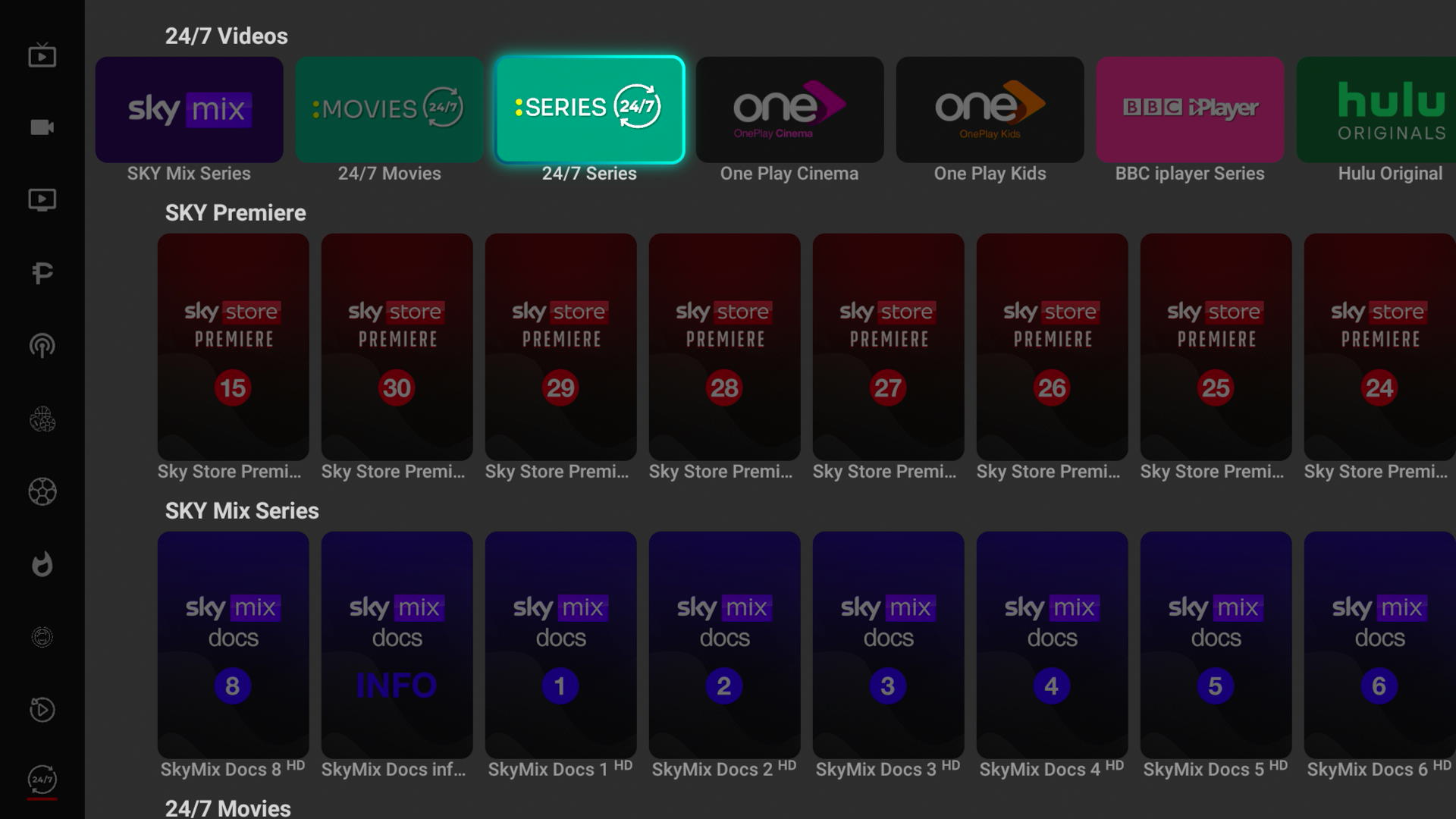
When you click a show or movie in the 24/7 tab, it should start playing immediately—so if that’s not happening, something isn’t working as expected.
Since the video didn’t upload, let’s try a few quick checks:
Restart the app and try again
Clear app cache (if you're on Firestick/Android: Settings > Apps > [App Name] > Clear Cache)
Check your internet connection to make sure it’s stable
Try a different 24/7 channel to see if it’s just one stream or all of them
If the issue happens on all 24/7 content, it could be a temporary stream or app issue on our end.
If you can, let me know:
What device you’re using
Whether it happens on all 24/7 channels or just specific ones.
We’ll get this sorted out.