
I found why the chat widget is blocked. It is called Tidio I think. Ad Blocker uBlockOrigin was blocking some of the resources needed by the widget. To find out that the widget was blocked, I had to run "Developer Tools" in Edge, basically a debugger. Couldn't find a way to unblock. Adding channelmoa to the whitelist didn't help. A workaround is to bring up channelmoa in a private window because the ad blocker does not run there unless you specifically allow that.
S
syetter
@syetter
Loading…
Loading shop...
Posts
-
Support not working -
Support not workingAnd so when I said I had a problem with Edge, didn't anybody actually try it to see if the problem was there?
-
Support not workingI tried VPN. It made no difference. I got it to work on Firestick. Silk Browser is on firestick. I installed Chrome on Windows and it worked. A web site is supposed to be tested with different browsers, not just 1 browser.
-
Support not workingWhat's the technology that puts that "widget" on the page. Maybe it is blocked somehow.
-
Support not workingNo amount of zoom or scrolling brings that widget on the right onto the page. And that is basically the same widget that should be on the main channelmoa.com page but is not. I've tried 3 different browsers on two computers and an android phone. If that widget comes up for you but not for me it is because you have something enabled that is not on my Windows machines, my other Windows machine, or my Android phone and is the same on different machines
-
Support not workingAnd I have submitted multiple tickets on Email. No email responses since 2 days.
-
Support not workingAnd I brought up the channelmoa in duckduckgo on my android phone. Same result. No button at bottom right of page.
-
Support not workingEven ChannelMoa text says to just "Hit the chat button at the bottom of the page". When I started with you guys, I used to do that. But that button at the bottom of the page is no longer present. I don't know how you determine this is working when it clearly isn't. You are invoking this page in a way that is not available to an outside user.
-
Support not workingWhat do I do on that to enter chat messages?
-
Support not working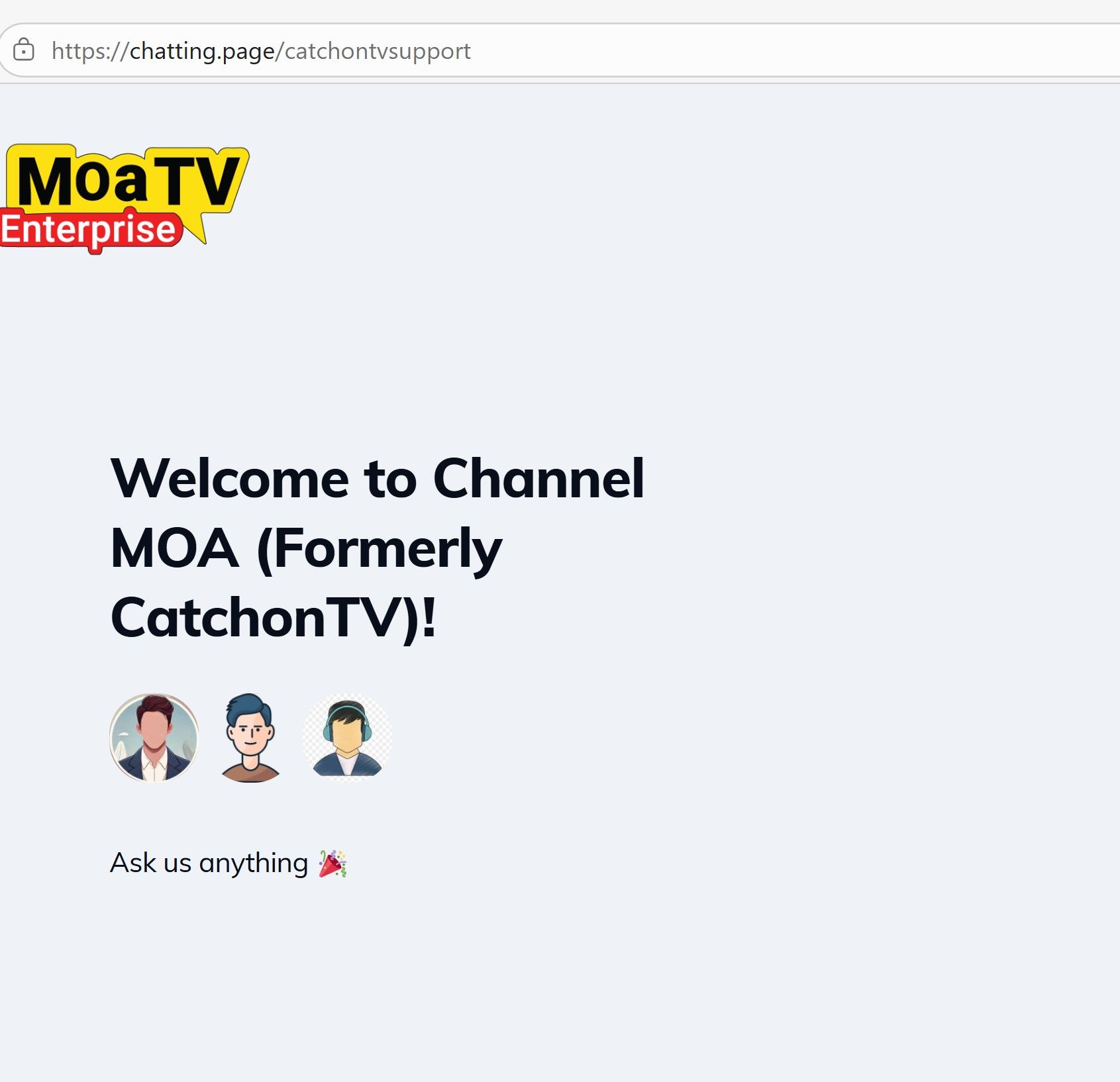
-
Support not workingI tried on another computer. I tried Firefox instead of Microsoft Edge. The chat support link is the one that gets launched from channelmoa. The web page did NOT require a separate page previously. If you think I should be able to enter text from the support page, tell me how in detail. It does respond to clicking anything on the page.
-
Support not workingHi,
I am resorting to community, because support is broken in my environment which is US CT fiber optic internet.
I am not able to chat. I have gotten no responses to email tickets.The channelmoa site support chat is not working. When I first was using the site, there was a bottom right, chat icon you could click on and chat using email id. That button is no longer present.
When you use Contact Support route from the web site, it spawns another tab. That page says "Ask me anything" and there is no box to type or button to click. I've scrolled and clicked everywhere with no available actions.
I submitted an email tick reporting the problem with chat. I have gotten no email responses from support. I searched Inbox, Junk, and Inbox other and no emails are present.
I am in trial period, and I also had a channel outage and I reported it via email. Please give me a support contact mechanism.
Other than this, the player and service is mostly working fine, except for the 1 channel outage and also certain channels not being available.